Creating flowcharts by hand is incredibly time-consuming. You have to constantly adjust nodes, align connectors, and even after all that effort, the result often doesn't look great. It simply doesn't match the fast-paced demands of modern work.
And even if AI flowchart generators are everywhere, choosing the right one has become another challenge. With so many tools offering different features and inconsistent user experiences, it's easy to feel overwhelmed.
So in this guide, we've tested 7 of the most popular AI flowchart generators in 2026. Our goal is to help you turn complex processes into clear, professional flowcharts in just 3 minutes, even if you're a complete beginner.
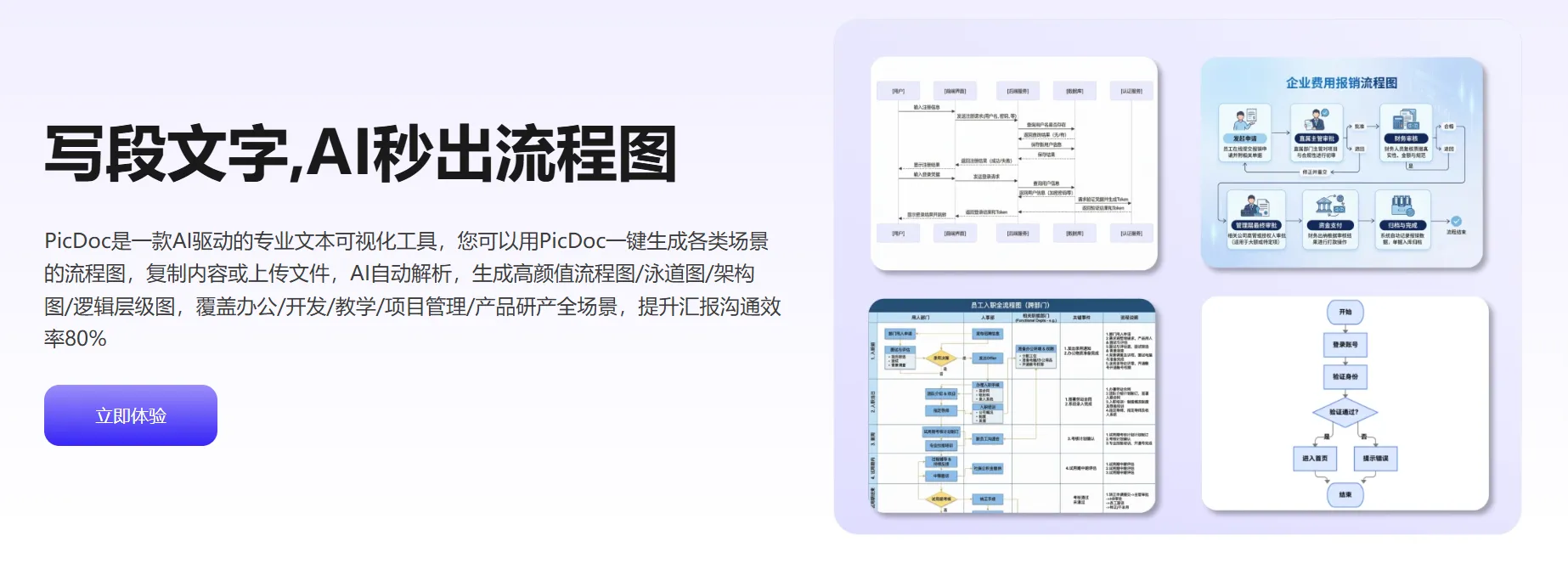
Among all the tools tested, PicDoc stands out as the most well-rounded AI flowchart generator. Its biggest strengths are ease of use, strong visual output, and versatility across different use cases, making professional flowchart creation accessible to everyone.
Key Features:
Beyond flowcharts, PicDoc also supports timelines, mind maps, and other professional diagrams. Combined with its AI image generation features, PicDoc works as an all-in-one visual and diagramming assistant.
Best Use Cases:
Suitable for a wide range of scenarios, including business presentations, teaching materials, project management, product planning, and content creation. Whether for individual use or team collaboration, PicDoc makes flowchart creation simple and efficient.
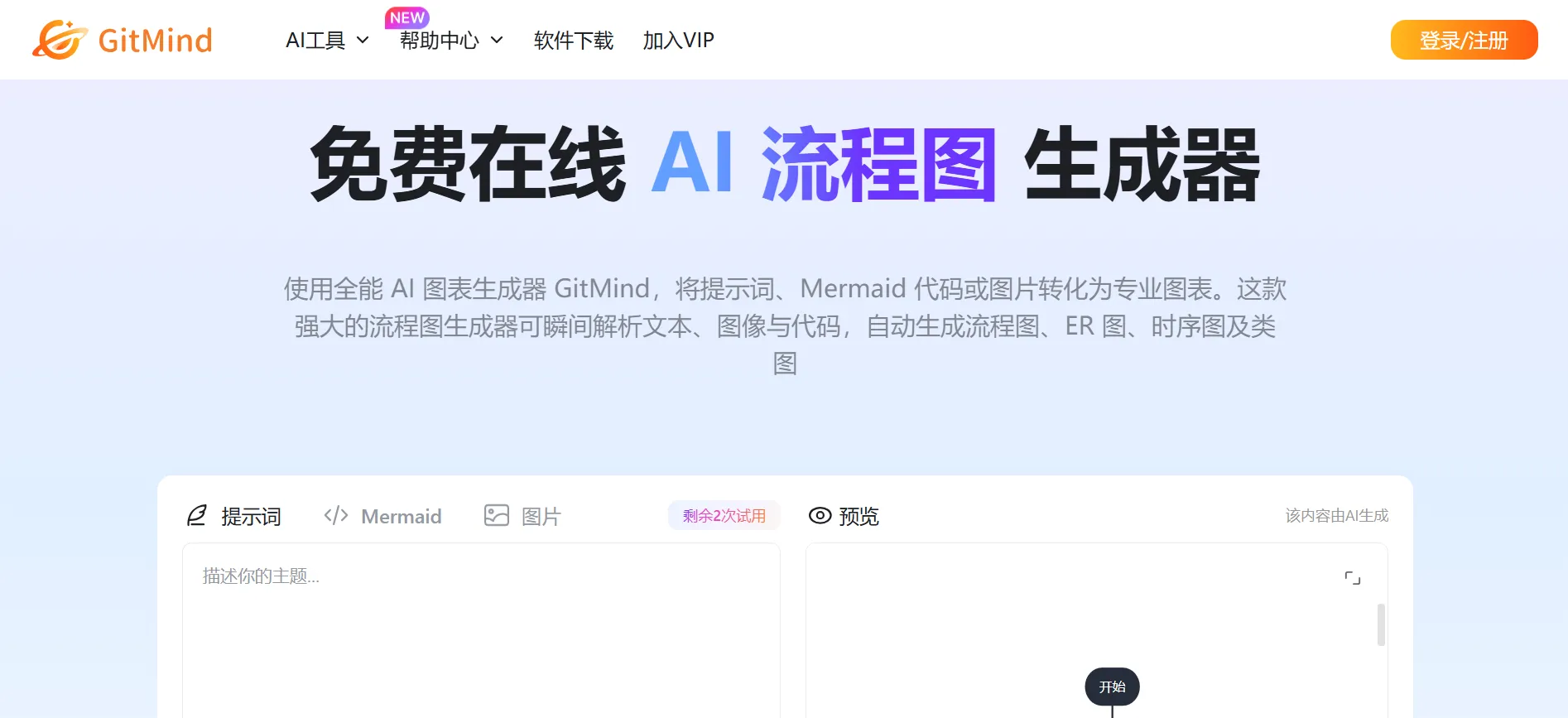
GitMind AI is a lightweight AI flowchart generator designed for fast diagram creation, cross-platform syncing, and seamless mobile use.
Key Features
Best Use Cases:
Ideal for project management, software development, and marketing teams creating customer journey maps. It also works well for students and office users handling daily workflows, process standardization, and team reviews.
Limitations:
The visual styles are relatively basic, with no support for advanced effects like 3D or decorative designs. Best suited for simple use cases.
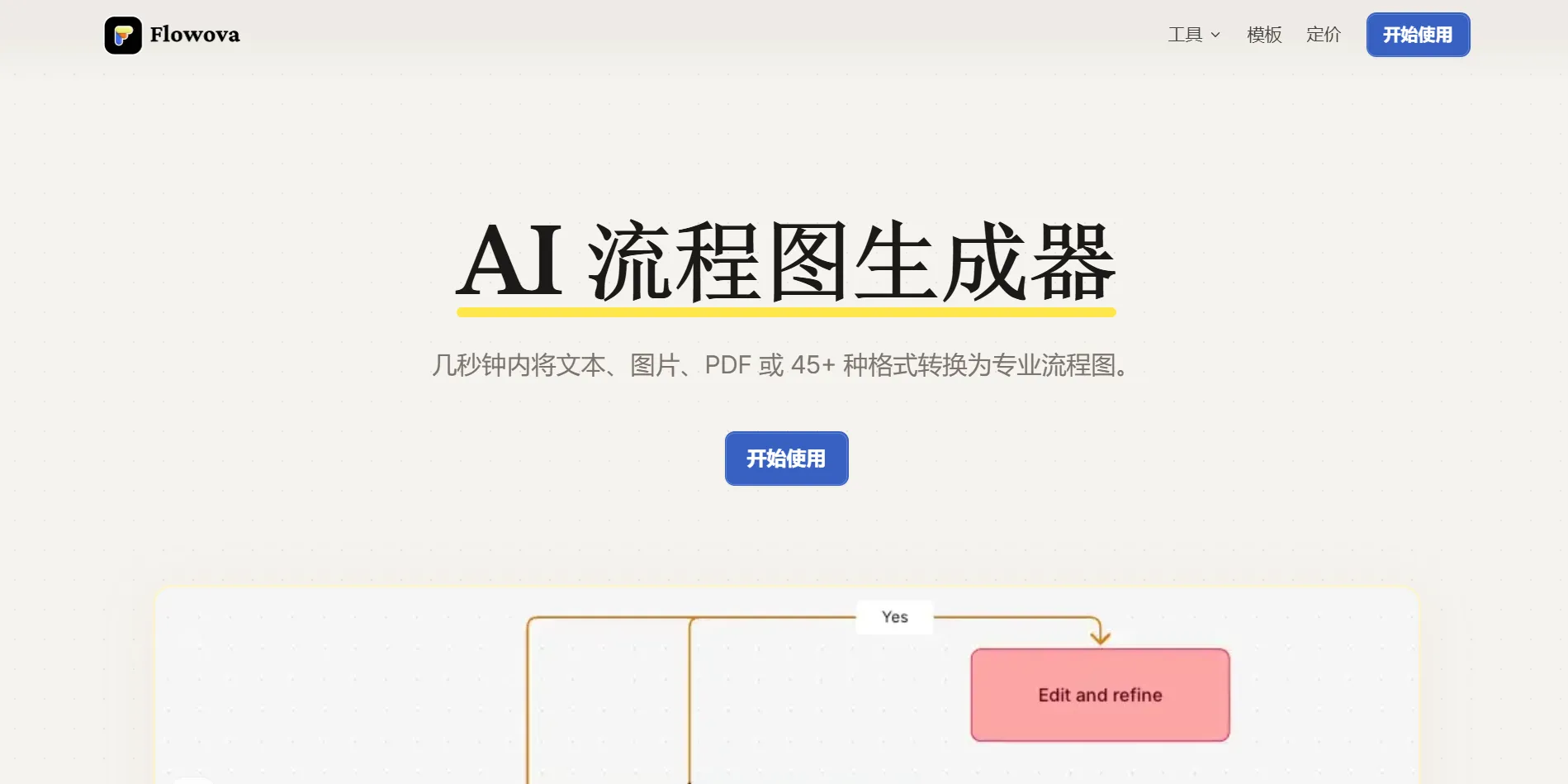
Flowova is a lightweight online AI flowchart generator focused on simplicity, offering a "describe it and get a diagram" experience.
Key Features
Best Use Cases:
Great for professionals and teams who need to quickly document processes, plan projects, or explain system logic. Especially useful for onboarding new employees and conducting process audits.
Limitations:
Focused solely on flowchart creation, with limited features and visual styles, and no support for other diagram types.
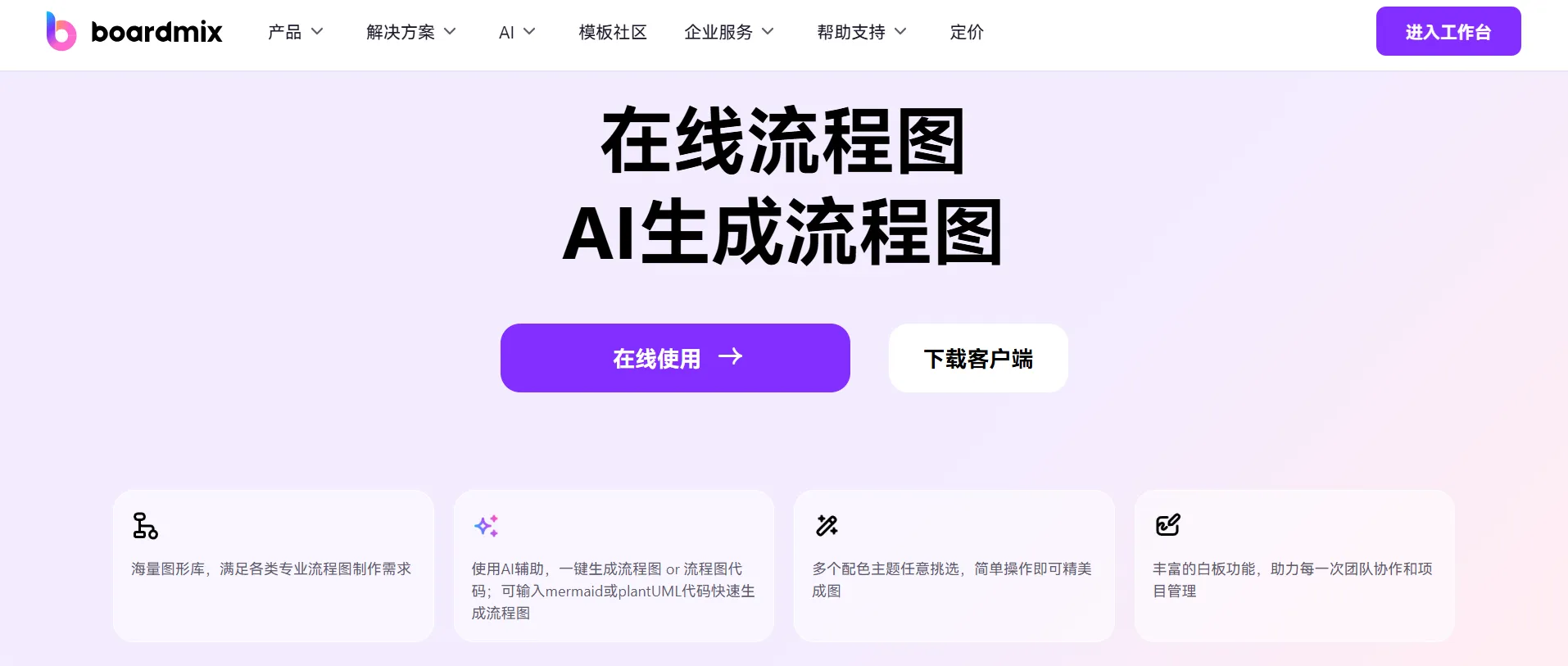
boardmix AI is a comprehensive platform that combines flowcharts, mind maps, and collaborative whiteboards into one integrated solution.
Key Features
Best Use Cases:
Perfect for teams that need to present multiple diagram types in one place and collaborate remotely. Especially suitable for product managers and designers.
Limitations:
Limited free credits mean long-term use requires ongoing payment, which may not be ideal for budget-conscious beginners.
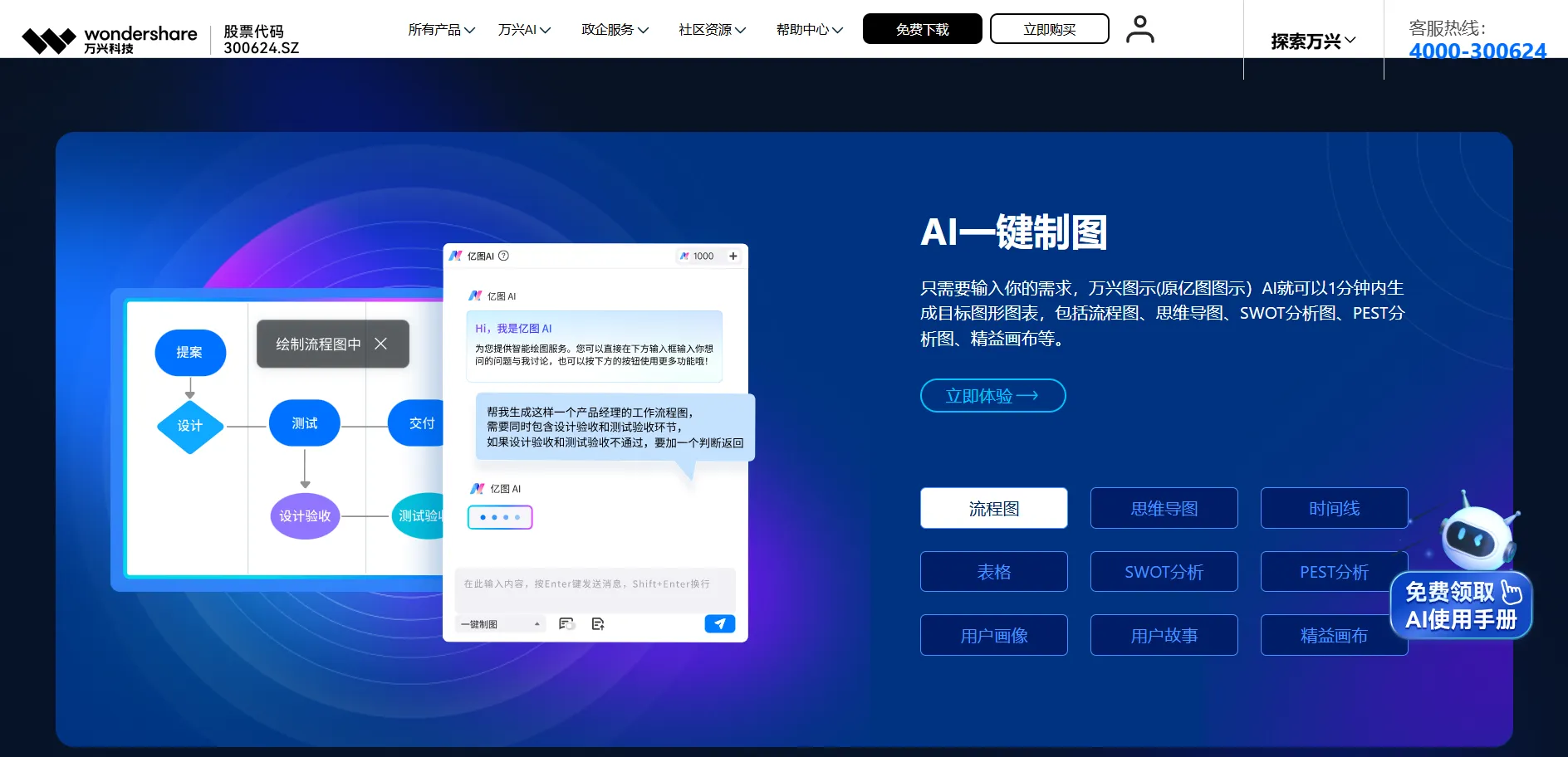
EdrawMax AI is the online version of a well-established diagramming platform, offering robust capabilities backed by years of development and resources. This generator supports flowcharts and many other diagram types.
Key Features
Best Use Cases:
Well-suited for researchers, consultants, and business professionals who need to create a variety of complex diagrams, especially for project planning and market analysis.
Limitations:
The interface can feel complex for beginners and may require some time to learn. Free credits are limited, making it less suitable for heavy usage without upgrading.
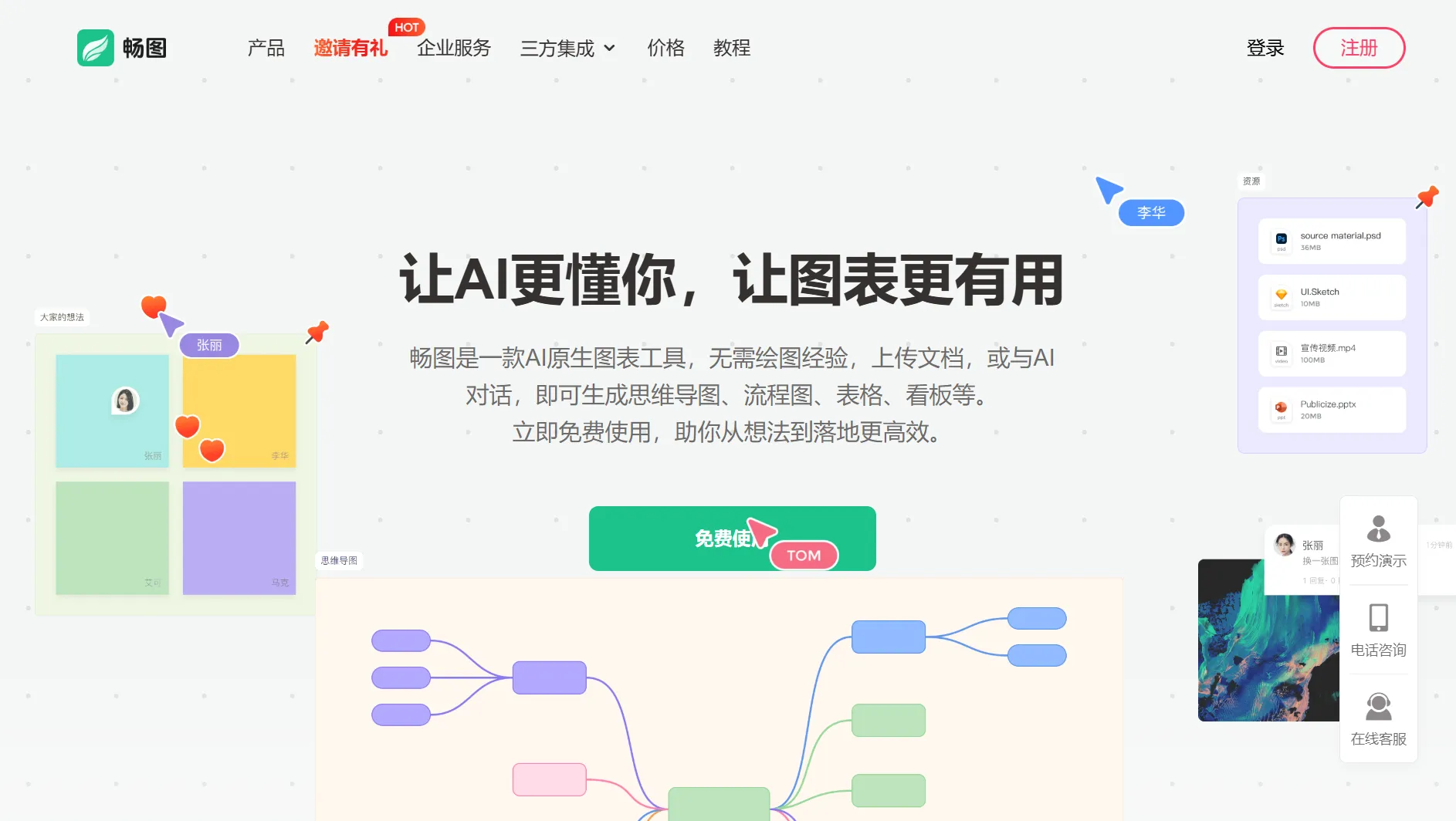
Changtu is an AI-native diagram generator. It focuses on creating professional flowcharts from natural language input and continuous AI-driven refinement.
Key Features
Best Use Cases:
Ideal for product managers, operations professionals, and business users working on product planning, process optimization, and data analysis, especially in scenarios that require iterative adjustments.
Limitations:
The free plan allows up to 5 files only; frequent users will need to upgrade to a paid version.
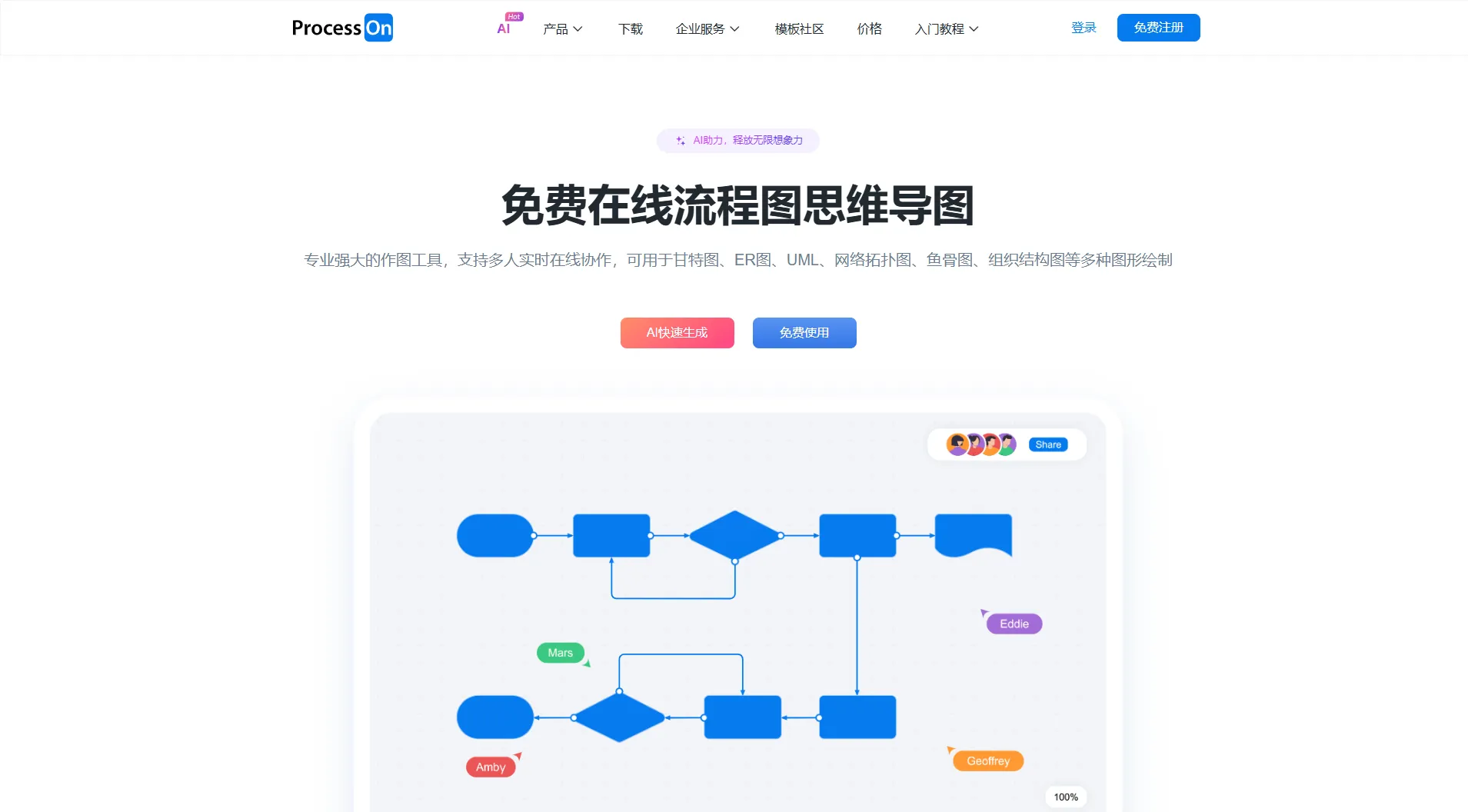
ProcessOn AI is a long-established online diagramming platform known for its extensive template library. With AI features added, it has become even more practical for everyday use.
Key Features
Best Use Cases:
Best suited for beginners who rely on templates, as well as team-based projects, particularly in education, design, and software development.
Limitations:
Complex workflows may still require manual adjustments, and the paid plans are relatively expensive.
After testing these 7 AI flowchart generators, you should now have a clear understanding of their strengths and ideal use cases. Here are some quick recommendations based on different needs:
Each of these tools has its own strengths, but PicDoc stands out by balancing ease of use, affordability, and versatility across all scenarios. If you're looking for a hassle-free way to create professional flowcharts, it's worth trying PicDoc and experiencing how you can turn ideas into flowcharts in just 3 minutes.