A high-quality scientific figure or illustration makes your experimental data far more persuasive, and helps reviewers quickly grasp the key insights of your research. But creating those figures often becomes a hurdle:
Some tools require a steep learning curve and take time away from reading papers or running experiments, and some produce rough, poorly formatted visuals that fail to meet journal submission standards.
And with so many scientific illustration software and tool options available, beginners often feel overwhelmed and unsure which tool best fits their research needs and skill level.
The good news is, you don't have to figure it out alone. In this guide, we've tested and selected 7 of the best scientific illustration software options, covering everything from beginner-friendly AI tools to advanced professional platforms. Whether you're new to research or an experienced scientist, whether you need data visualization or detailed figures, you'll find a tool that helps you create polished scientific illustrations efficiently. Let's see which one fits you best.
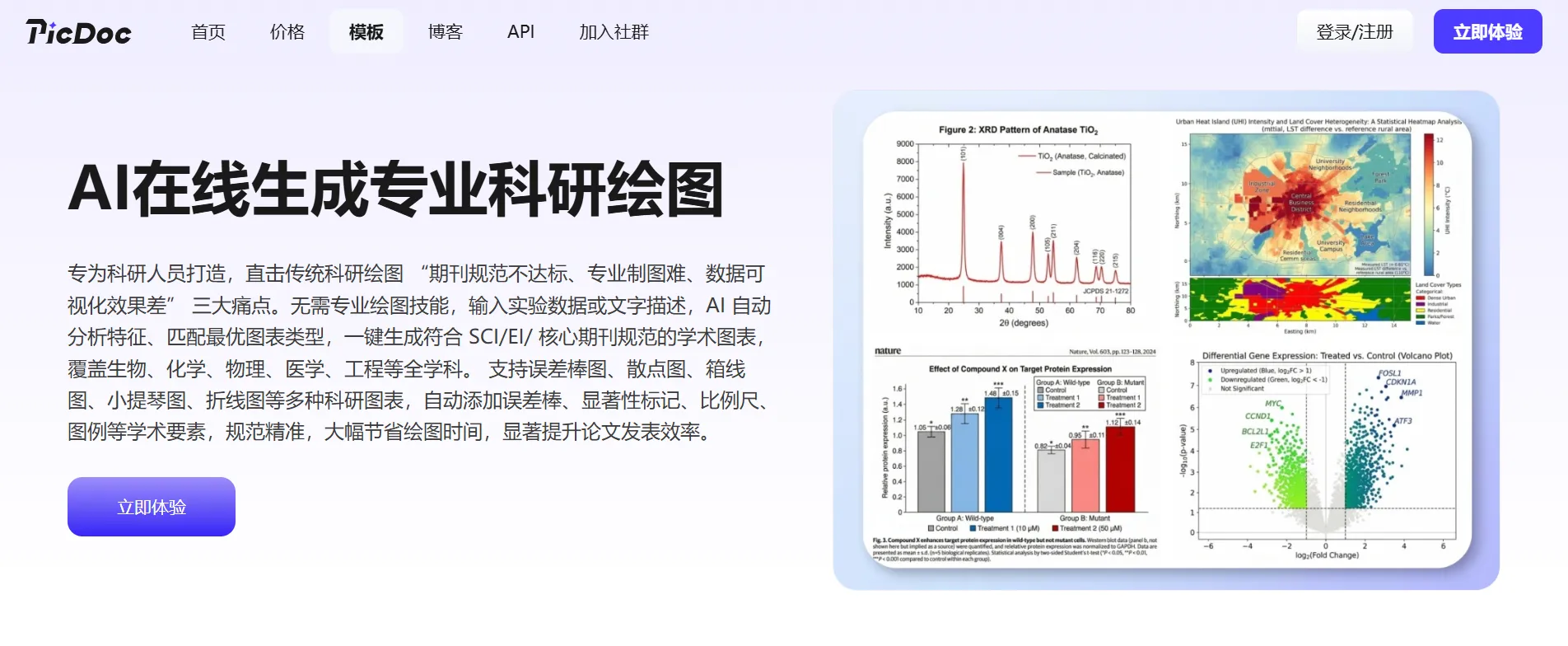
If you don't want to spend hours learning complicated software or pay high licensing fees, PicDoc stands out as a highly cost-effective AI-powered scientific illustration tool.
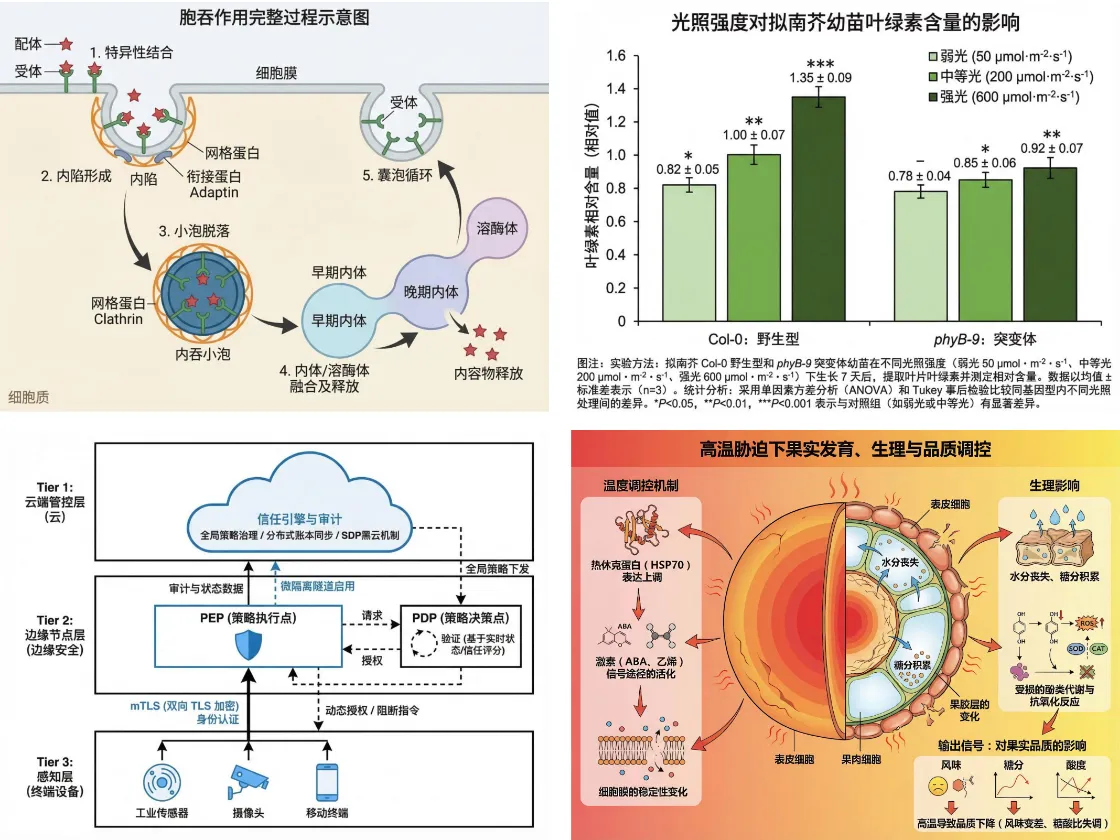
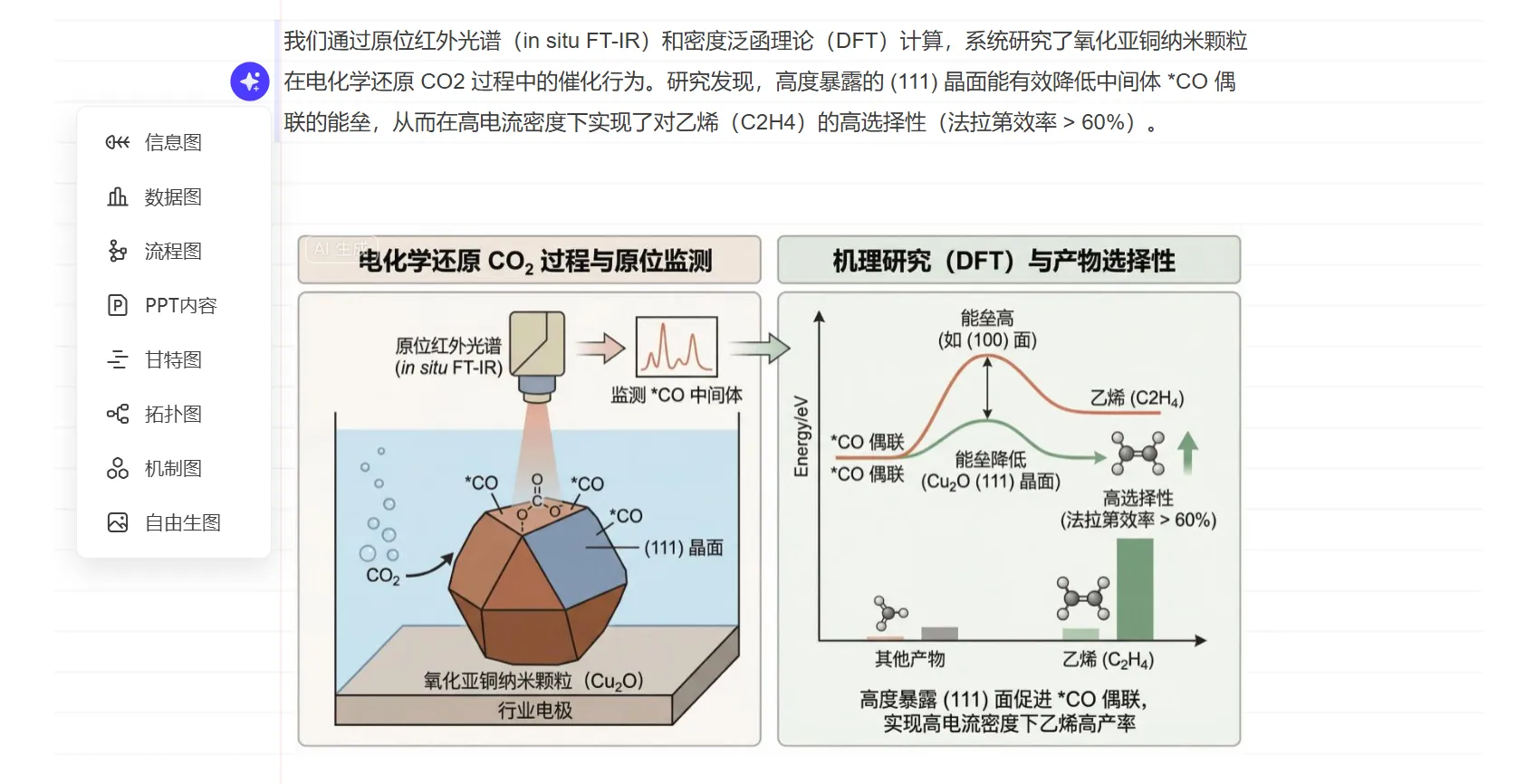
PicDoc supports a wide range of scientific figures, including data charts, flowcharts, mechanism diagrams, and system architecture diagrams, all in one place. It meets the core needs of researchers and technical professionals across disciplines, especially suitable for beginners and those looking for a faster, more intuitive workflow.
Key Features
PicDoc also comes with several additional advantages tailored specifically for researchers:
So, how to quickly create a scientific illustration with PicDoc? Here's a simple 3-step workflow:
Step 1: Input or upload your data and text. You can paste experimental data or manuscript paragraphs directly, or upload PDF/Word files and let AI extract key information automatically.
Step 2: Generate your illustration with one click. Choose "Custom Generation", and enter prompts to better match your needs.
Step 3: Export your scientific illustration. Select from PDF, PNG, JPG, or PPT formats, and use it wherever needed.
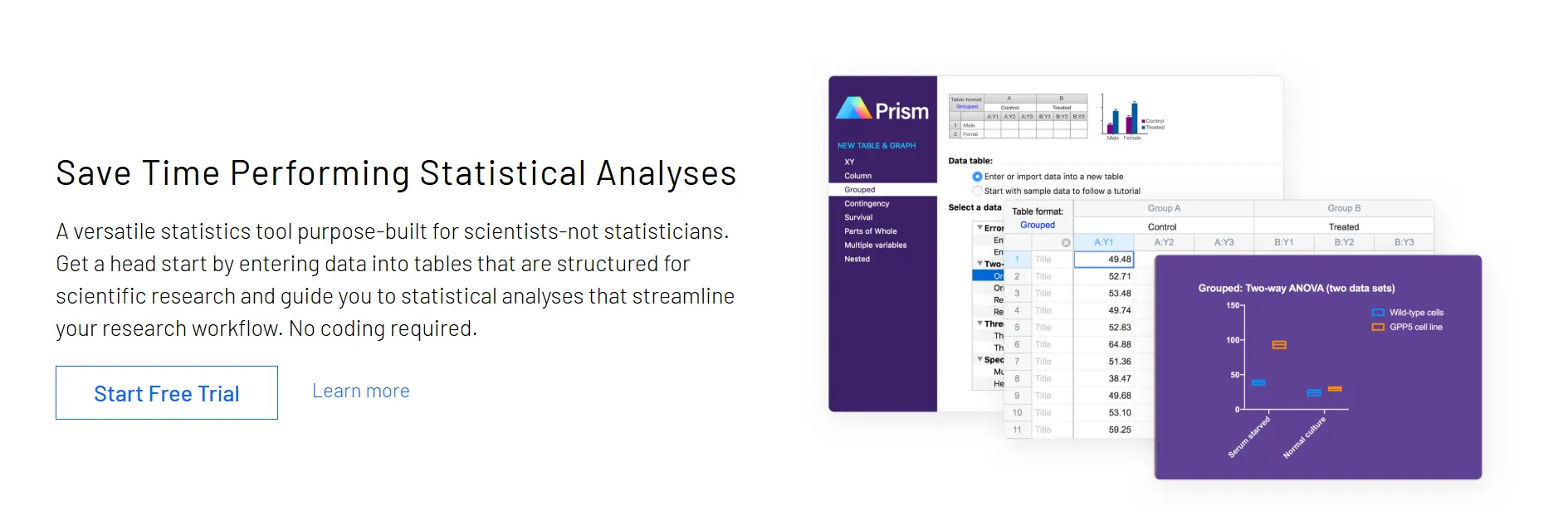
GraphPad Prism is a widely used scientific illustration software designed for biology and medical research. It combines biostatistics, curve fitting, and scientific figure creation in one platform, significantly improving efficiency for researchers.
GraphPad Prism doesn't need complex parameter settings, making it particularly beginner-friendly. Input your data, and it can quickly generate high-quality scientific figures. It includes a variety of commonly used statistical graph types, supports p-value annotations, and allows export in journal-ready formats.
Limitations: Some advanced figure types are not well supported. The free trial version has limited functionality, and the full version can be relatively expensive, which may not be ideal for students on a tight budget.
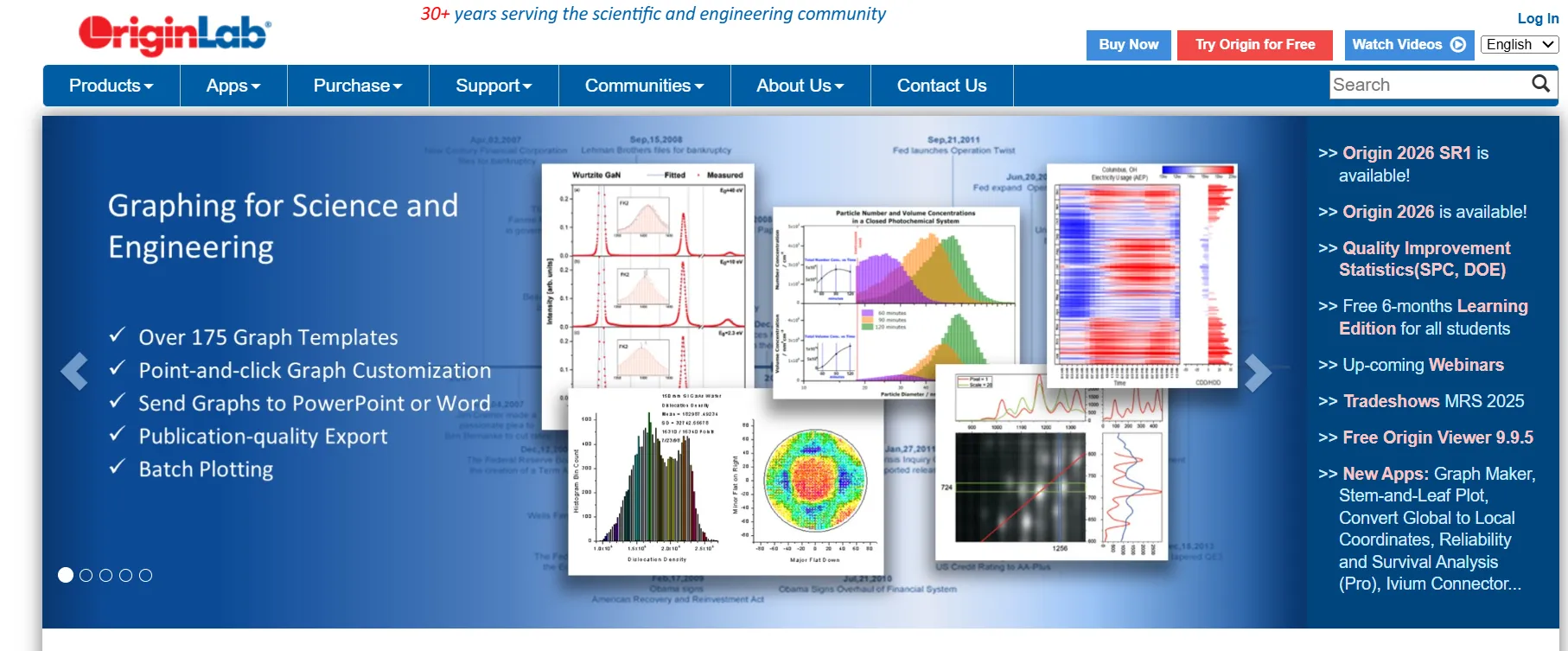
Origin is a long-established scientific illustration tool, and often one of the first platforms researchers encounter. It offers a wide range of features and supports numerous chart types, covering most scientific illustration needs, including both 2D and 3D visual styles, with a relatively user-friendly interface.
Beyond figure creation, Origin provides powerful data processing, statistical analysis, and curve fitting capabilities, allowing you to analyze experimental data directly within the software. Scientific figure updates in real time with data or parameters, and also integrates well with tools like Excel and Matlab, making it highly extensible.
This makes Origin especially suitable for researchers who need to handle large datasets or perform complex analyses. However, beginners may need some time to learn and utilize its extensive functionality.
Hiplot is an open-source, free scientific illustration tool developed by Huawei, designed specifically for large-scale data visualization in research and analytics, especially suitable for researchers working with high-dimensional datasets.
Hiplot supports nearly 200 types of charts, including heatmaps, parallel coordinates plots, distribution plots, and volcano plots. With fast rendering speed and a user-friendly interface, you can simply upload your data and adjust parameters to generate scientific illustrations, saving significant time.
Limitations: Hiplot focuses primarily on data visualization, and lacks advanced data analysis capabilities. It is best suited for users who want to present data without performing complex analytical tasks.
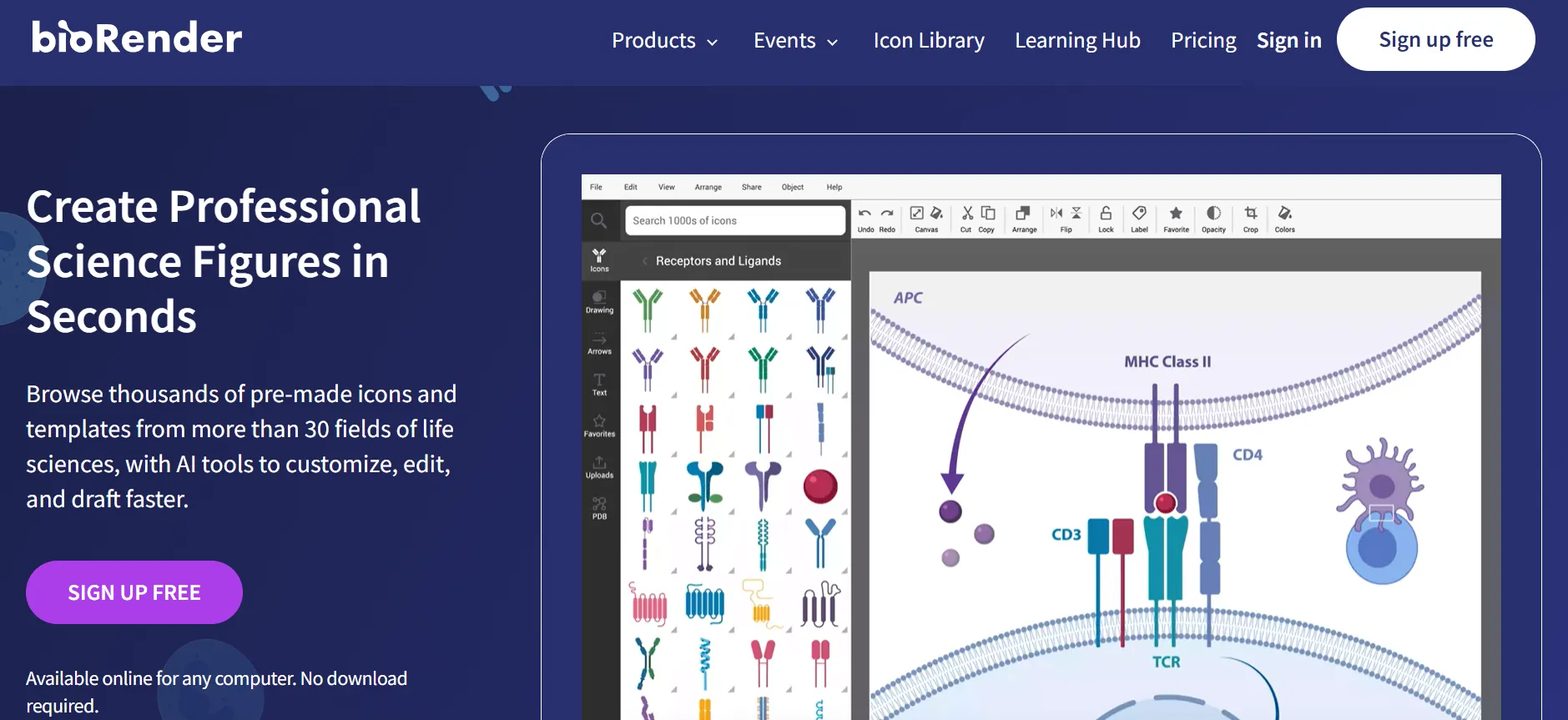
BioRender is an online scientific illustration tool tailored for researchers in biology, medicine, and pharmacology, highly specialized for biomedical use cases.
BioRender offers a vast library of biomedical templates, covering cell structures, signaling pathways, experimental workflows, and more. It can even automatically label subcellular components. With drag-and-drop, users can easily create complex biological or medical scientific illustrations without any design background.
Limitations: BioRender is designed specifically for biomedical fields, so it's not so applicable for other disciplines or areas. The free version is limited to educational use and cannot be used for journal publication or commercial purposes, while many advanced features require a paid subscription.
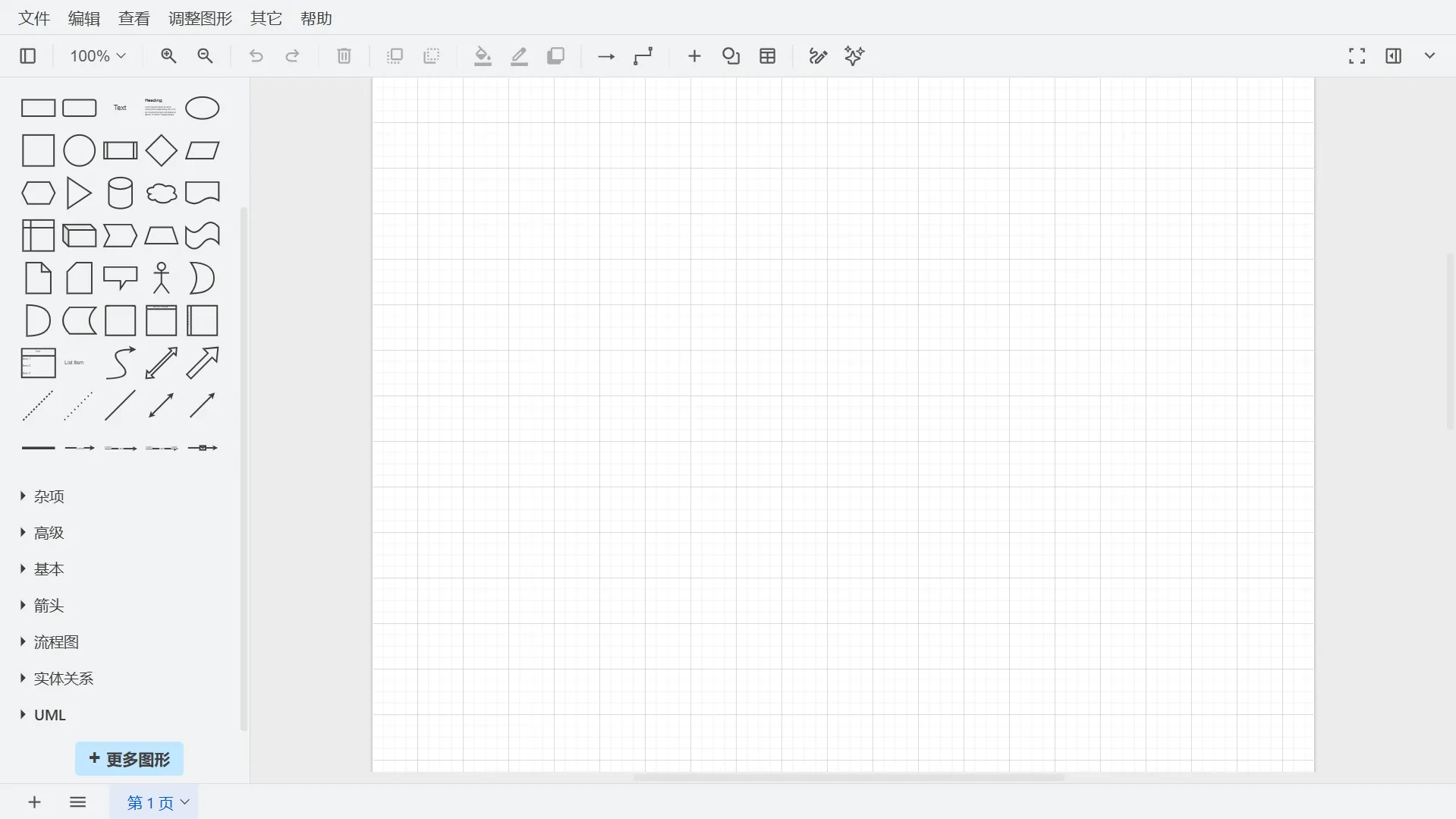
Diagrams.net stands out for being free, convenient, and highly practical, making it one of the top choices for researchers who need to create flowcharts or architecture diagrams. It runs entirely in the browser, with no registration and no functional restrictions.
In Diagrams.net, you can build diagrams simply by dragging and dropping elements. It includes a rich library of shapes and supports various diagram types, such as flowcharts, architecture diagrams, network topologies, and experimental design schematics. It also supports LaTeX equations. You can export to SVG format for submissions, to keep scientific figures sharp and scalable without any loss of quality.
Limitations: Its data visualization capabilities are limited, making it less suitable for complex data graphs. It is better suited for flowcharts and schematic illustrations.
Adobe Illustrator is a professional vector graphics software. If your scientific illustration requires extremely high precision and detailed customization, such as intricate experimental apparatus diagrams or fully customized icons, it is often the top choice.
Adobe Illustrator provides advanced drawing and layout capabilities, allowing you to create highly detailed and polished visuals with precise control over colors and fine design elements. This makes it ideal for researchers who demand the highest visual quality in their scientific illustrations.
Limitations: No free official version, and the pricing is relatively high. The learning curve is steep and less suitable for beginners or researchers with limited budgets. It is better suited for users with design experience who need highly refined scientific illustrations.
The key to choosing A scientific illustration tool is simple: fit your needs. Instead of chasing the most feature-rich scientific illustration tool, focus on your research field, skill level, and budget to create scientific illustrations efficiently. Here are four practical tips:
These seven scientific illustration tools each have their own strengths, covering a wide range of research scenarios and user needs:
If you're still struggling with scientific illustrations, it's worth starting with PicDoc. Use it directly in your browser for free, and you can generate professional scientific illustrations with zero learning curve. Whether for papers, presentations, or conferences, it helps you create polished visuals quickly, and finally overcome the challenges of scientific illustration.