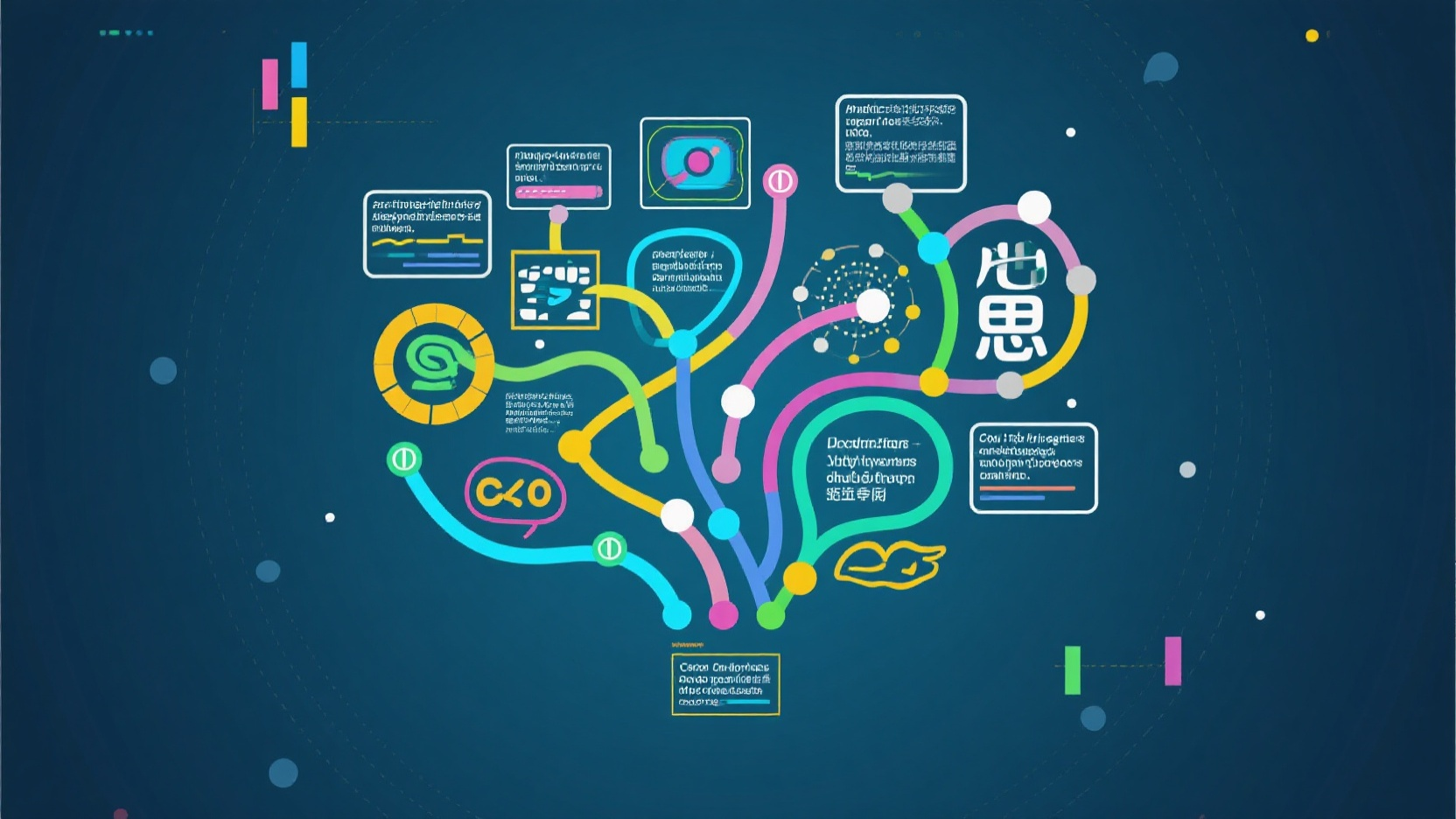
Let’s be honest – most flowcharts are boring. They’re boxes and arrows in standard colors, following predictable patterns, and blending into the background of our digital lives. But they don’t have to be this way. Your flowchart infographic can be as creative and memorable as the ideas it represents, while still being clear and functional.
In a world where we’re bombarded with information, a flowchart that stands out visually doesn’t just look better – it communicates more effectively. It grabs attention, sticks in people’s minds, and makes complex information feel approachable. Let’s explore how to move beyond basic boxes and create flowchart infographics that truly stand out.
Before diving into fancy designs, remember that creativity shouldn’t sacrifice clarity. The best creative flowcharts balance three elements:
With this foundation in mind, let’s explore practical creative ideas you can implement today.
Instead of generic boxes, use shapes and icons that reflect your flowchart’s topic. For example:
This approach turns abstract processes into visual stories. When designing a flowchart about "growing a business," one creative team used plant-shaped elements – starting with a seed (idea), adding water drops (resources), and showing branches (different growth paths). The final result was instantly more engaging than standard rectangles.
Color isn’t just decorative – it can guide attention and reinforce meaning:
Remember that color should follow a consistent system. Too many colors create chaos, but a thoughtful palette can make your flowchart intuitive even before someone reads the text.
The right fonts and text treatment add personality without sacrificing readability:
Typography works best when it’s consistent. Pick 2-3 complementary fonts and use them intentionally throughout your flowchart.
Not all processes follow a straight line – embrace this with creative layouts:
One marketing team created a flowchart shaped like their company logo to show their campaign development process. It was immediately recognizable and reinforced brand identity while clearly explaining their workflow.
Well-chosen icons replace text and speed up understanding:
The key is balance – too many icons create visual noise, while too few miss opportunities to enhance understanding.
You might be thinking, "These ideas sound great, but I’m not a designer." That’s where tools like PicDoc come in. PicDoc makes it easy to implement these creative ideas without advanced design skills.
With PicDoc, you can:
The platform converts your text descriptions into visual diagrams automatically, but leaves plenty of room for creative customization. Whether you want to create a flowchart for your home renovation process or use food-themed chart for your restaurant workflow, PicDoc provides the foundation while letting your creativity shine.
Consider Maria, a fitness coach who used PicDoc to create a workout planning flowchart for her clients. The result? Her clients reported following the plan 30% more consistently because the creative design made the process feel less intimidating and more engaging.
Or take Raj, a teacher who transformed his lesson planning flowchart into a tree shape, with branches representing different subject areas and leaves representing activities. His students loved it so much they started asking to see the "lesson tree" each week, making complex curriculum planning feel approachable and fun.
Flowchart infographics don’t have to be boring boxes and arrows. With a little creativity and the right tools, they can be powerful visual stories that communicate information while delighting your audience.
The next time you need to create a flowchart, ask yourself:
Ready to create standout flowchart infographics? Visit www.picdoc.ai to explore creative templates and tools that make ordinary processes look extraordinary. Your audience will thank you for moving beyond basic boxes.
Responsible Editor - PicDoc Official Editorial Team